AI Dance Generator
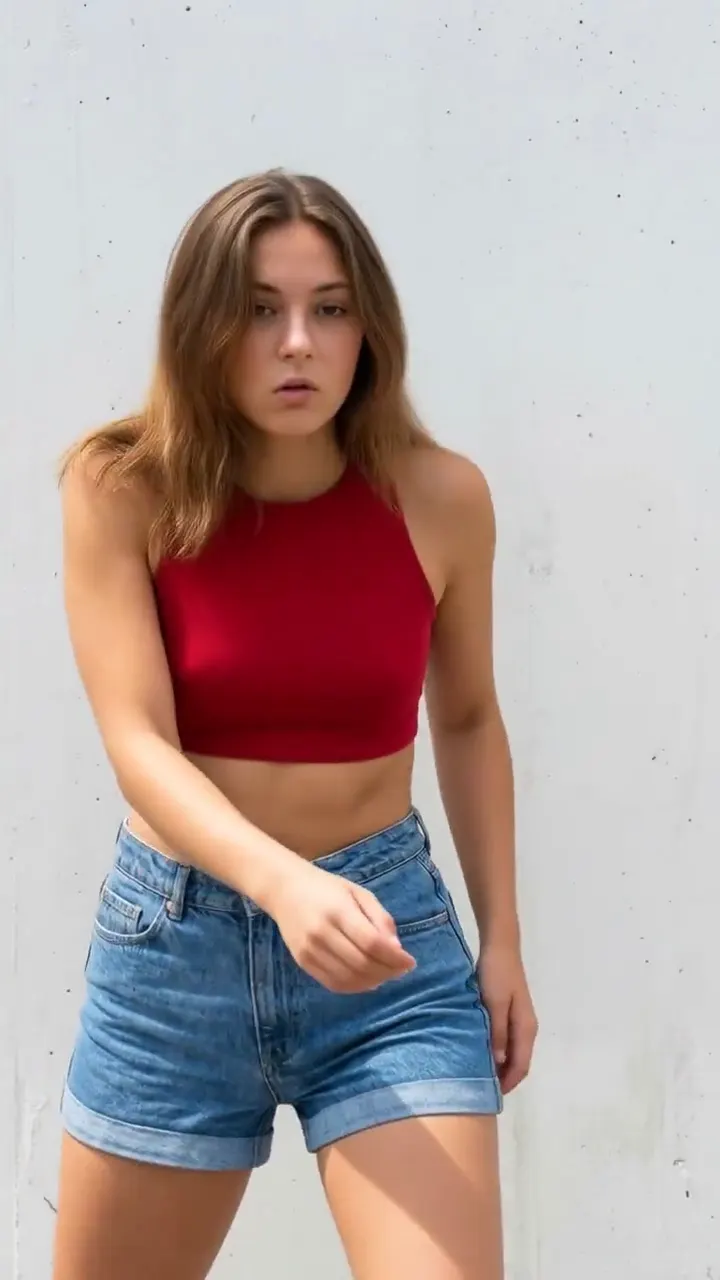
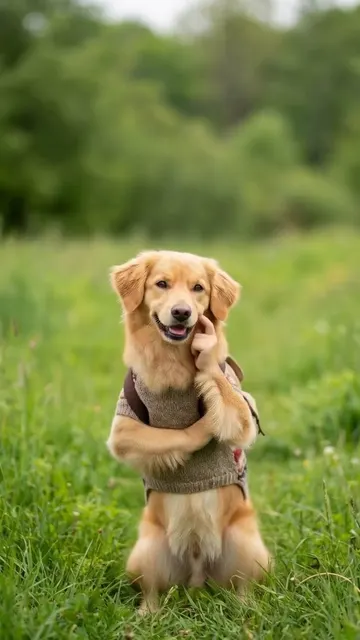
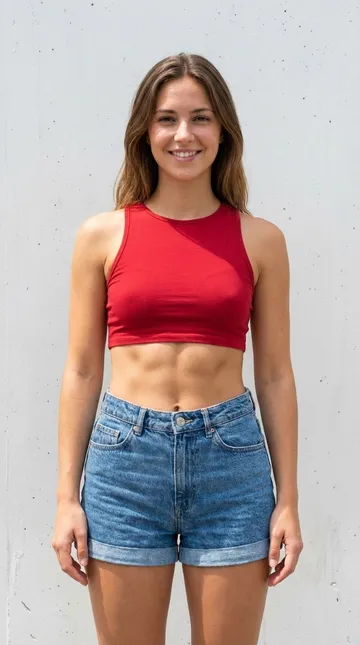 AI-made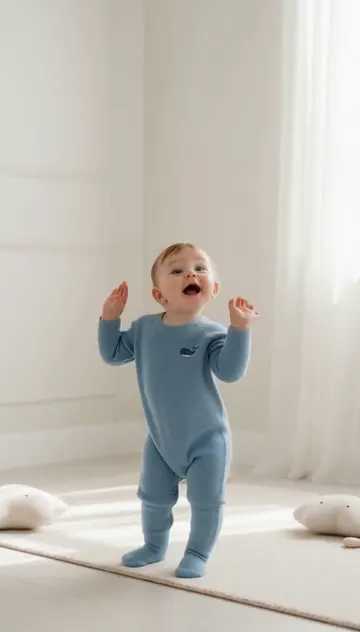
Music danceUse this dance
1 credit · ready in a few minutes
From 1 credit per videoReady in a few minutesFailed videos give credits back
AI Dance is an AI dance generator that turns one photo into a dance video. Pick a trending dance, upload a photo of a person, a baby, a kid, a dog or a cat, and get a 9:16 video for TikTok, Reels and Shorts in a few minutes. You do not need to dance or edit anything.
How it works
Three steps, no editing app. The whole thing runs in your browser.
Step 1: Pick a dance
Choose a template. Each one is a real dance or trend with its own example video, so you see the moves before you start.
Step 2: Add one photo
Upload a clear photo of a person, a baby or a pet. One subject, the whole body if you can, facing the camera.
Step 3: Get your video
The AI makes a 9:16 MP4 video in a few minutes. Download it and post it on TikTok, Reels or Shorts with the sound you like.
- 9:16 MP4Made for TikTok, Reels and Shorts
- Ready in a few minutesYou can leave the page while it renders
- 10 to 20 secondsTypical video length
- From 1 credit per videoLonger dances 3, Hotel Lobby 8
- No watermarkOn every video
- Credits back on failureA failed video costs nothing
Made with AI Dance
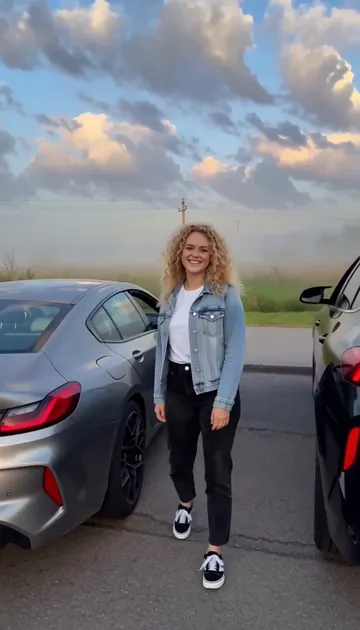
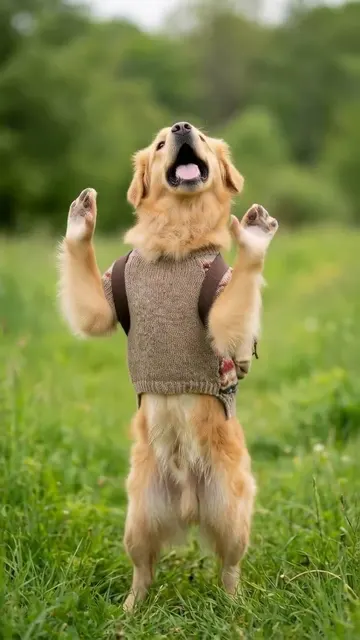
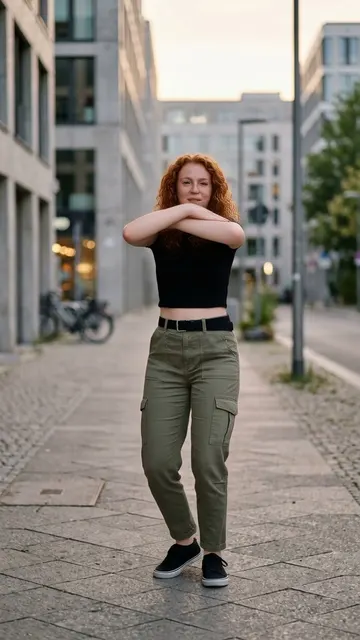
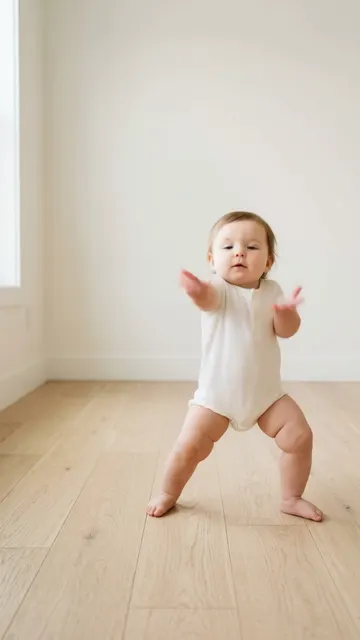
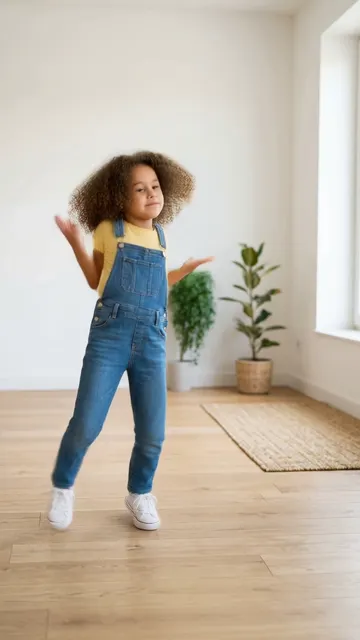
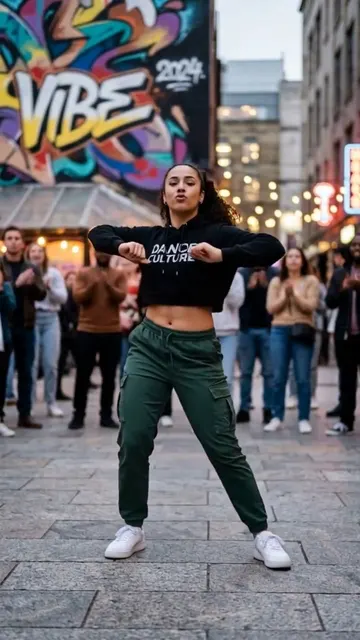
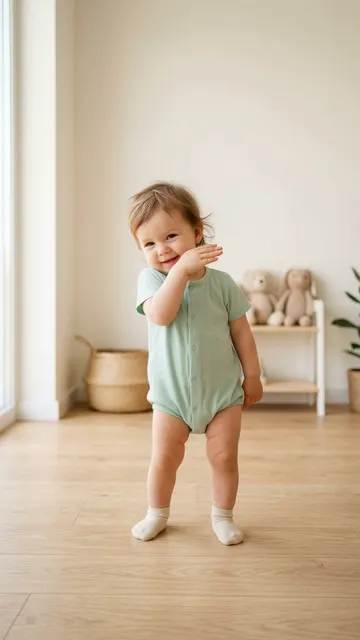
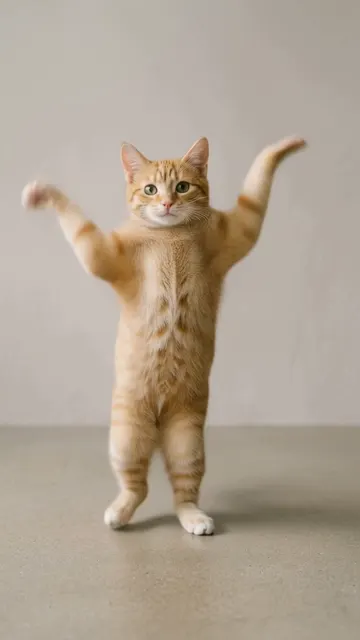
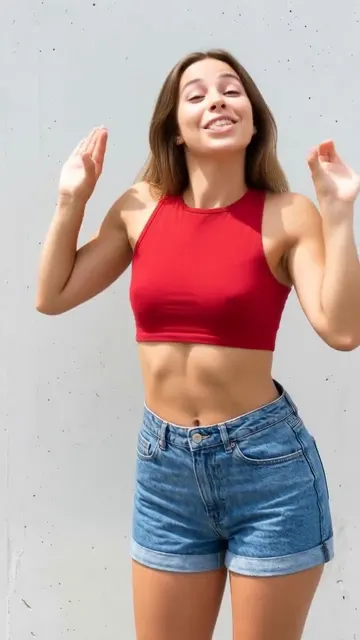
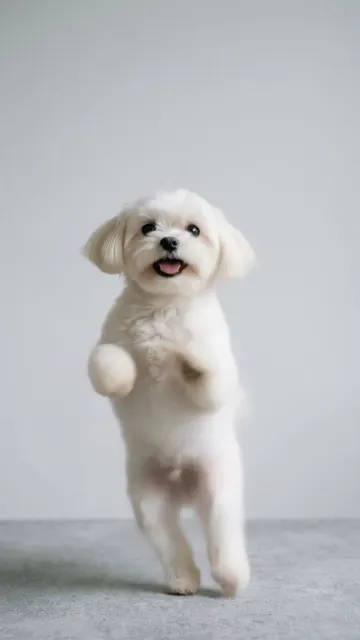
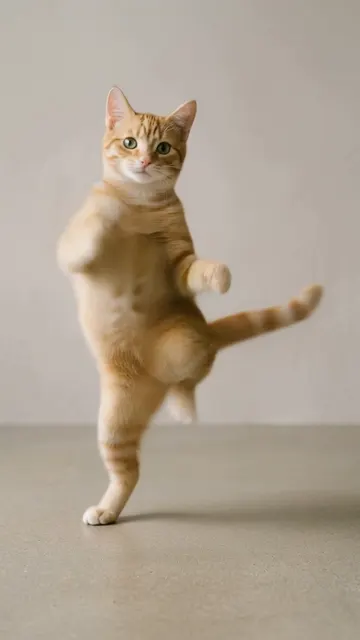
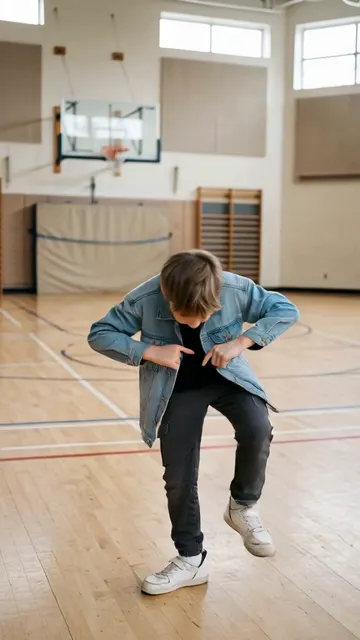
Every clip here was made by our AI from a single photo. The people, babies and pets in our examples are AI-made.
How does the AI dance generator work?
You pick a dance, add one photo, and AI moves the body in your photo through the dance. It takes three steps:
- Pick a dance. Every template is a real routine, from viral trends like Hotel Lobby and Copines to baby dances like Music.
- Upload one photo. A clear, full-body photo of one person, baby or pet works best. Hotel Lobby takes a photo of two people.
- Generate and download. Your video is ready in a few minutes as a 9:16 MP4 file. Download it, add the trending sound in TikTok or Reels, and post.
Behind the scenes, the AI reads the body and face in your photo and copies the motion of the dance onto it frame by frame. Your photo's own background stays in the video, so it looks like it was filmed where the photo was taken.
What can you make dance?
Almost anyone in a clear photo: adults, babies and kids, dogs and cats, and two people together on our duo template.
- People. Do the trends without learning them: C-Walk, Six Seven (67), She Did It Again and more.
- Babies and kids. The AI baby dance trend took over TikTok in January 2026. Our baby dances were made for small dancers, with simple, happy moves.
- Dogs. A dog doing the Chanel dance on its hind legs is hard to beat. See AI dog dance.
- Cats. Cats give the best serious face in Not Cute Anymore. See AI cat dance.
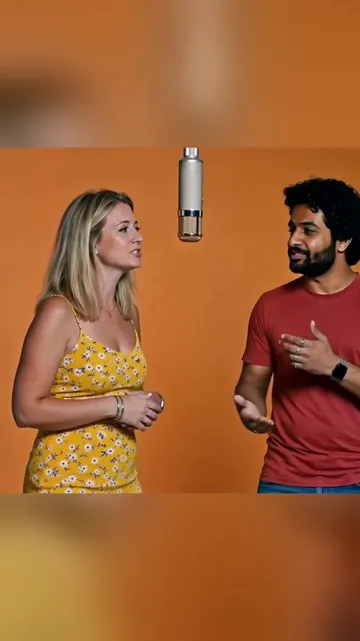
- Two people. Hotel Lobby puts you and a friend into the orange studio from the viral AI trend.
Which dances are trending right now?
In October 2026 the biggest AI trend is Hotel Lobby, which peaked in late September. Copines keeps coming back, She Did It Again by Tyla and Zara Larsson is still everywhere, and the C-Walk never really goes away. The newest AI trend is the Gas Station Dance, which puts you and two friends into a viral road-trip clip. For Halloween, try the Boo Challenge in your costume.
We follow the trends every month and date every fact. The full list, with the song and the origin of each dance, is on our TikTok dance trends page.
What makes AI Dance different?
AI Dance is built around trends and real examples, not a blank prompt box.
- One page per dance. Each template has its own page with a real example made by our pipeline, what the trend is, the best photo to use and how to post it.
- One photo is enough. No video of yourself, no green screen, no editing app.
- Made for babies and pets. Many of our dances were chosen because they look great on a toddler or a dog.
- Honest pricing. Short dances cost 1 credit per video, longer dances cost 3, and Hotel Lobby costs 8. You can earn a free video by inviting friends. Videos have no watermark.
- Failed videos cost nothing. A failed video gives its credits back, so you never pay for a video you did not get.
AI dance generator vs. video editing apps
An AI dance generator makes the dance for you from one photo. An editing app helps you cut a video you already filmed, so you still have to dance.
| AI Dance | Video editing apps | |
|---|---|---|
| What you need | One photo | A video of you dancing |
| Dance skills | None | You do the dance |
| Babies and pets | Yes, from a photo | Only if they really dance |
| Trend templates | Ready to use | You learn the moves |
| Time | A few minutes | As long as filming and editing take |
| Cost | Credits, from $4.49 for 3 | Often a monthly plan |
Editing apps are still the right tool for cutting real footage, adding text and mixing music. Many people use both: AI Dance for the dance, then TikTok or an editor for the sound and the caption.
| Topic | AI Dance | Video editing apps |
|---|---|---|
| What you need | One photo | Footage of someone dancing |
| Skills | None: pick a dance and tap | Editing, timing and effects |
| Who can dance | Anyone in the photo, babies and pets too | Only the person you filmed |
| Time to a finished clip | A few minutes | Depends on your editing skills |
| Format | 9:16 MP4, ready to post | Whatever you export |
| Price | Credits per video, from $0.78 a credit | Varies by app |
Is my photo private?
Yes. Your photo is used only to make your video. We never show it to other users. Photos are stored in our cloud storage only to make your video. You can delete your videos, and you can ask support@danceaiapp.com to delete your data.
Your videos live in My Videos and are not posted anywhere unless you share them yourself. If you make a video of someone else, ask them first. For parents, our AI baby dance page has a full section on baby photos and privacy.
How much does AI Dance cost?
Short dances cost 1 credit per video, longer dances cost 3, and Hotel Lobby costs 8. You can earn a free video by inviting friends. Credit packs start at $4.49 for 3 credits, and the weekly plan is $7.99 for 8 credits a week. See pricing for every option.
Is there an AI Dance app?
Yes. AI Dance is also an app for iPhone and Android, listed as "AI Dance Video - Baby Dancing". It is rated 4.4 on the App Store (96 ratings in the US) and 4.5 on Google Play (674 reviews), as of October 6, 2026. The website works on any phone or computer with no install. More on the app page.
Questions people ask
What app can I use to make someone dance from a photo?
AI Dance does it in your browser at aidanceapp.com, and as an app for iPhone and Android. Pick a dance, upload one photo and get a video in a few minutes.
Is AI Dance free?
No, videos use credits. Short dances cost 1 credit per video, longer dances cost 3, and Hotel Lobby costs 8. You can earn a free video by inviting friends. Invite 3 friends with your link. When 3 friends join with Google sign-in, you get a free video (1 credit), up to 10 times. Credit packs start at $4.49 for 3 credits, and the weekly plan is $7.99 for 8 credits a week.
How do I make an AI video of myself dancing?
Pick a dance template, upload one clear, full-body photo of yourself and tap Generate. AI Dance moves your body through the dance, and the video is ready in a few minutes.
How do I do the AI dance trend?
Choose the trend's template, such as Hotel Lobby or C-Walk, upload your photo and generate. Then add the trending sound in TikTok or Reels and post. Our step-by-step guide covers the details.
How do I make my baby dance with AI?
Upload a photo of your baby standing or sitting on their own, pick one of our baby dances, and generate. Avoid photos where an adult holds the baby, because the AI animates the biggest person in the photo.
Can I make my dog or cat dance?
Yes. Use a sharp photo of one pet with the whole body in view, facing the camera. Dances like Chanel, Squabble Up and Zoo work well on pets.
How long does it take to make a video?
A few minutes. You can keep the page open, and every video also appears in My Videos when it is ready.
Does the video have a watermark?
No. Videos have no watermark.
Does the video include music?
No. AI Dance does not add copyrighted music. Add the trending sound in TikTok, Instagram Reels or YouTube Shorts when you post.
Can two people be in one video?
Yes, on Hotel Lobby, our two-person template. It costs 8 credits because it rebuilds the whole scene. All other dances animate one person or pet.
Make your first dance video
Pick a dance, add one photo and get a 9:16 video in a few minutes.
Also on iPhone and Android:App StoreGoogle Play