AI Dog Dance
 AI-made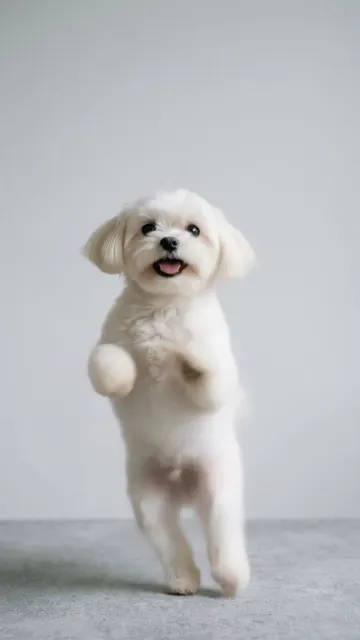
Chanel by TylaUse this dance
1 credit · ready in a few minutes
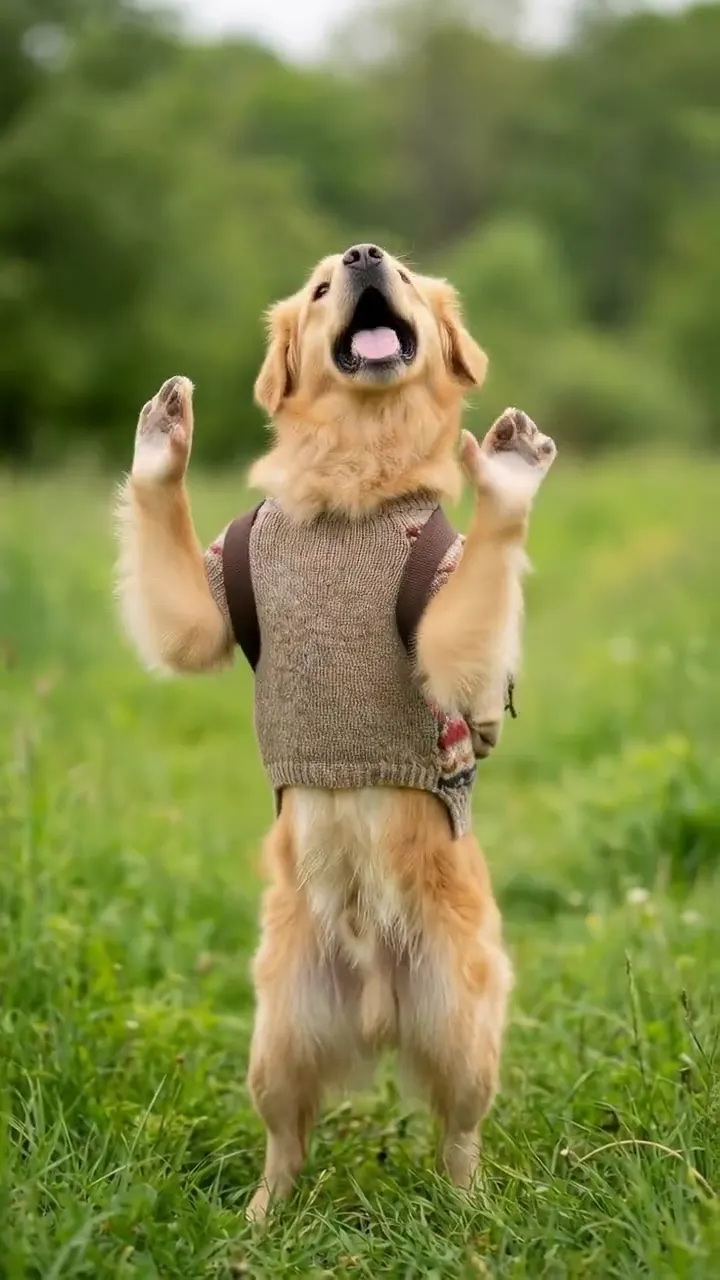
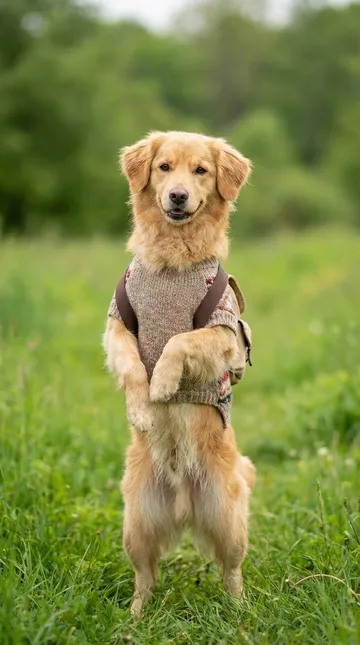
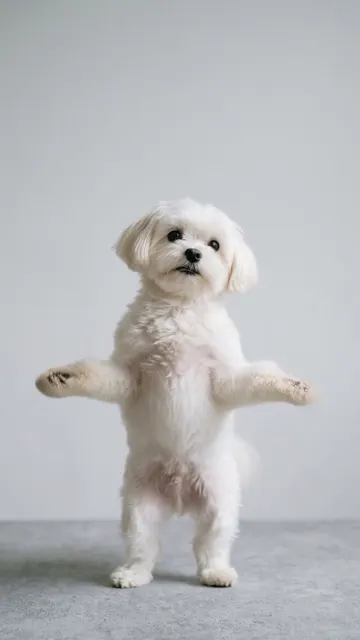
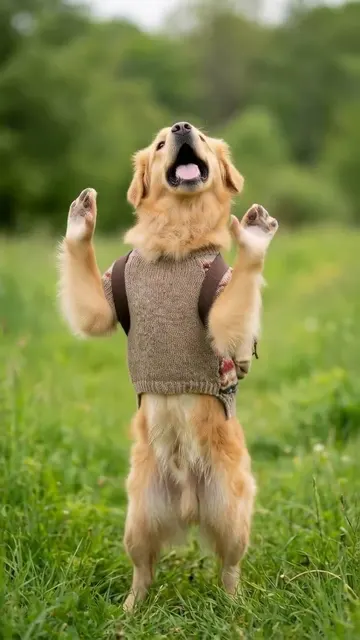
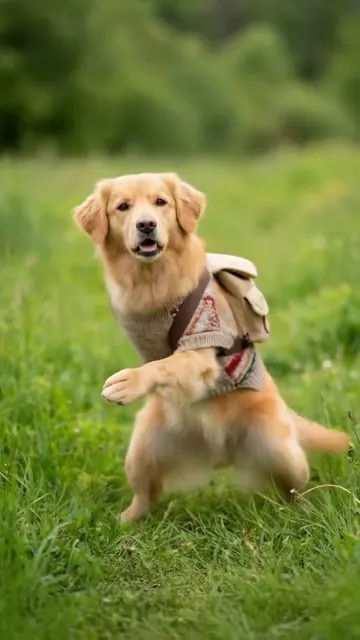
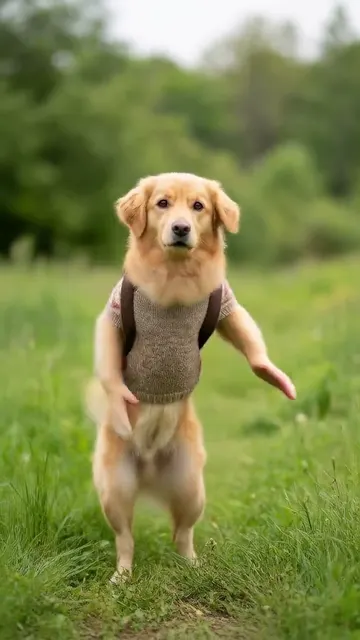
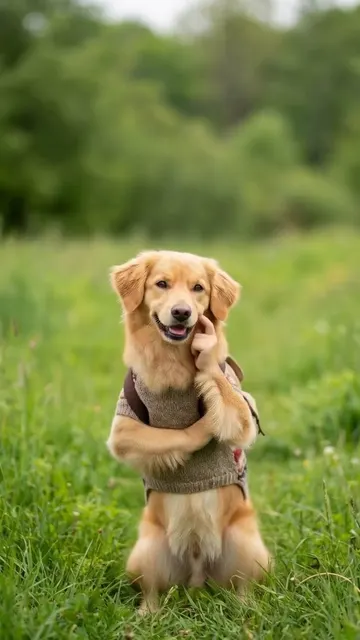
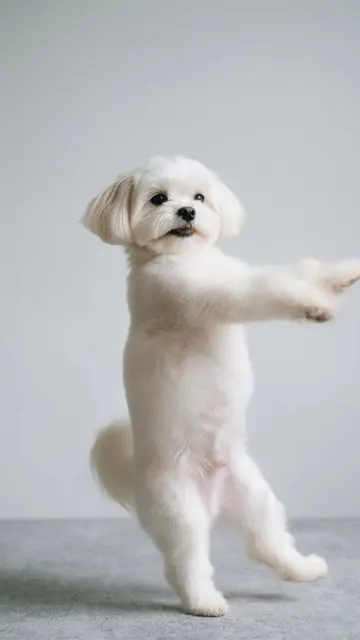
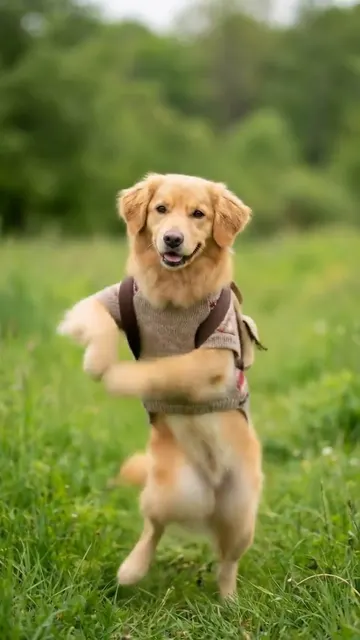
AI dog dance videos turn one photo of your dog into a dancing clip: up on the hind legs, paws in the air, perfectly on the beat. Pick a dance like Chanel, Squabble Up or You Know Nothing, upload a clear photo of your dog, and get a 9:16 video for TikTok or Reels in a few minutes.
Dances with dog examples
Each one has its own page with an example, photo tips and the price.
What is the AI dog dance trend?
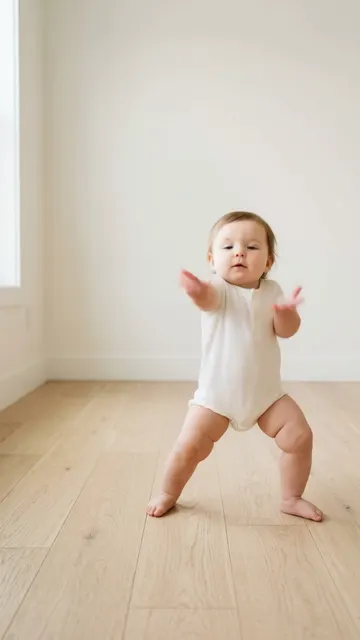
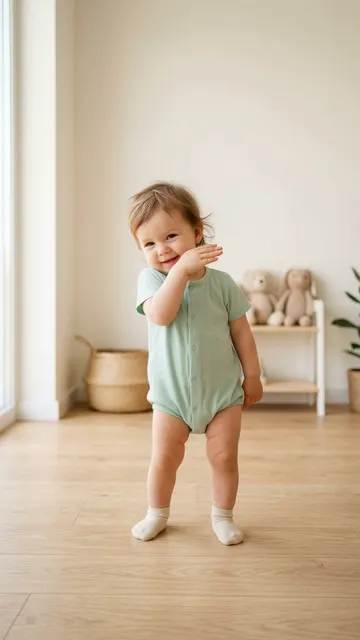
The AI dog dance trend is a wave of short videos in which a photo of a dog is turned into a dancing clip with AI, usually with the dog up on its hind legs doing a human dance. It grew out of the AI baby dance trend of early 2026, which spread from babies to pets within weeks, as Know Your Meme documented.
The numbers show how big it got. In Google's US data, searches for "ai dog dance" averaged about 3,600 a month over the past year, jumped to about 9,900 in January 2026, and were still about 2,400 in August 2026. Most of what people find is reposted clips on TikTok, Reddit and YouTube, not a way to make their own. That is what this page is for.
How do I make my dog dance with AI?
Pick a dance, upload one photo of your dog and tap Generate:
- Choose a dance. Chanel is our dog dance: a golden retriever doing Tyla's routine on its hind legs. Squabble Up and You Know Nothing work well too.
- Upload a photo. One dog, whole body in view, facing the camera, sharp and well lit.
- Generate and download. Your video is ready in a few minutes as a 9:16 MP4 file.
AI Dance does not add music, so add a trending sound in TikTok or Reels before you post.
Which dances work best for dogs?
Dances with clear arm moves and poses work best on dogs, because the front paws become the arms:
- Chanel by Tyla: arms up, crossed arms, paw to the mouth. Our example is a dog.
- Squabble Up: a point, a hop, stomps and a squat.
- You Know Nothing: paws over the eyes, then wide open. Peekaboo on a dog is hard to resist.
- Music: head bobs, paw pumps and a paws-up finish.
- Just Wanna Rock: quick steps and a tiny flex.
- Overdrive: slow, sweet poses. Good for a dog that sits.
- Chubina and Nan: a slow twirl and a bouncy, waving routine.
Footwork dances like the C-Walk read best on people, so we leave them off this list.
Why does my dog look strange in the video?
Usually the photo hid part of the dog, or the AI found something else to animate. The common fixes:
- The dog changes shape. The photo showed only the head or the dog was curled up. Use a photo with the whole body visible.
- A person dances instead. Someone was in the photo. The AI animates the biggest body it finds, so crop people out.
- Blurry fur or face. The photo was soft or taken in low light. Use a sharp photo in daylight.
- The dog blends into the background. Same-color fur and sofa confuse the edges. Pick a photo with contrast.
- The video failed. A failed video gives its credits back, so try another photo at no extra cost.
How do I post an AI dog dance video?
Post it like any short video, with a sound and a caption written from your dog's point of view.
- Add the sound. AI Dance does not add music, so pick the dance's song or a trending sound in TikTok or Reels. Each dance page names its song.
- Show the photo first. Half a second of your dog sitting still, then the dance. The contrast is what makes people replay it.
- Write as the dog. Captions like "practicing for the dog park" or "I have rhythm, you just never asked" do well on pet accounts.
- Make a series. One dance a week with the same dog builds a small show people come back for.
- Tag the breed. Breed hashtags help other owners of the same breed find you.
How much does an AI dog dance video cost?
Every dog-friendly dance costs 1 credit per video. Credit packs start at $4.49 for 3 credits, and the weekly plan is $7.99 for 8 credits a week. You can earn a free video by inviting friends. Invite 3 friends with your link. When 3 friends join with Google sign-in, you get a free video (1 credit), up to 10 times. Videos have no watermark. See pricing.
Which dog photo works best?
The photo decides most of the result.
Works well
- Use a photo of one dog with the whole body in view, from ears to paws.
- Get down to your dog's eye level and shoot straight on, not from above.
- Pick a background that contrasts with the fur: a light dog on a dark sofa, a dark dog on a light floor.
- Use a sharp photo with no motion blur. Burst mode helps with dogs that will not sit still.
- Sitting up or standing is better than lying down, because the dance starts upright.
- Keep people and other pets out of the frame, or the AI may animate them instead.
Gives weak results
- A dog lying flat or curled up
- Several animals in one photo
- Fur that blends into the background
- Motion blur
How it works
Step 1: Pick a dance
Choose a template. Each one is a real dance or trend with its own example video, so you see the moves before you start.
Step 2: Add one photo
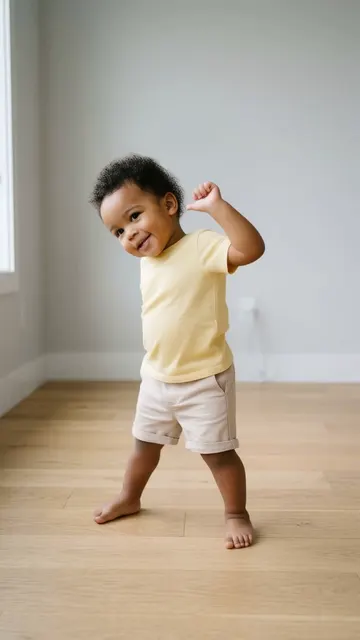
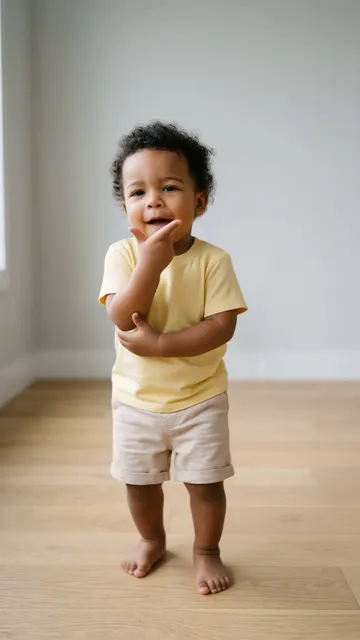
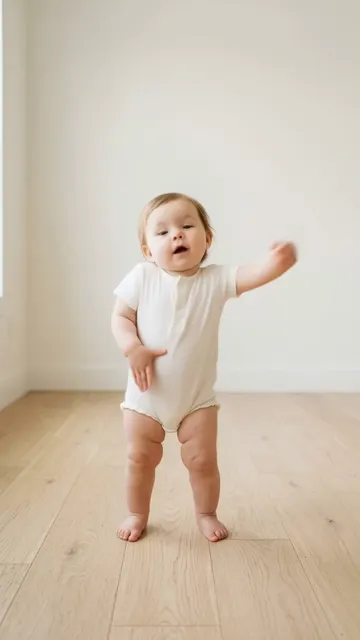
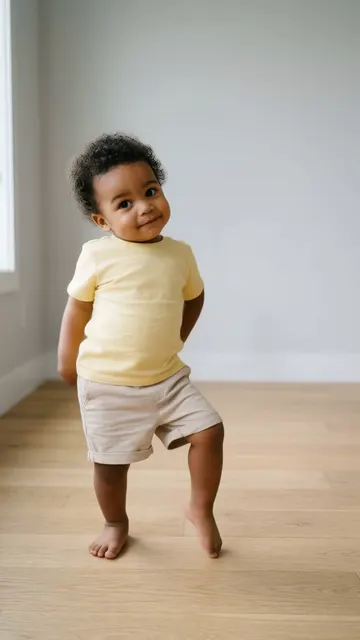
Upload a clear photo of a person, a baby or a pet. One subject, the whole body if you can, facing the camera.
Step 3: Get your video
The AI makes a 9:16 MP4 video in a few minutes. Download it and post it on TikTok, Reels or Shorts with the sound you like.
AI dog dance questions
How do I make my dog dance with AI?
Upload one clear photo of your dog, pick a dance such as Chanel or Squabble Up, and tap Generate. The video is ready in a few minutes.
Can I make my dog dance with AI for free?
Yes, by inviting friends you can earn a free video. Invite 3 friends with your link. When 3 friends join with Google sign-in, you get a free video (1 credit), up to 10 times. Otherwise each dog dance costs 1 credit. Credit packs start at $4.49 for 3 credits, and the weekly plan is $7.99 for 8 credits a week.
What is the best photo of my dog to use?
A sharp photo of your dog alone, sitting up or standing, with the whole body in view and a background that contrasts with the fur.
Does it work with any breed?
It works best with dogs whose body and legs are easy to see. Very fluffy or very dark dogs need a bright photo with a contrasting background.
Can I make two dogs dance together?
Our dog dances animate one dog per video. Make one video per dog and post them side by side.
Does the dog video include music?
No. AI Dance does not add music. Add a trending sound in TikTok or Reels when you post.
How long is an AI dog dance video?
Most dog dances are about 10 seconds long, in 9:16 for TikTok, Reels and Shorts.
Can I use a puppy photo?
Yes. Puppies work well when the whole body is in the photo. Puppies move fast, so take a few shots in a row and use the sharpest one.
Can my dog and my baby be in the same video?
Our dances animate one subject at a time, so make one video of the baby and one of the dog with the same dance, and post them side by side.
Is my dog's photo stored?
Your photo is used only to make your video. We never show it to other users. Photos are stored in our cloud storage only to make your video. You can delete your videos, and you can ask support@danceaiapp.com to delete your data.
Make your dog dance
Pick a dance above, add one photo, and get a 9:16 video in a few minutes.
AI baby danceAI cat danceAll templates
Also on iPhone and Android:App StoreGoogle Play