Chanel Edit AI Dance
 AI-made
Chanel, Tyla
Your photo
1 person or pet. Full body works best.
 Chanel Edit1 credit
1 credit · ready in a few minutes
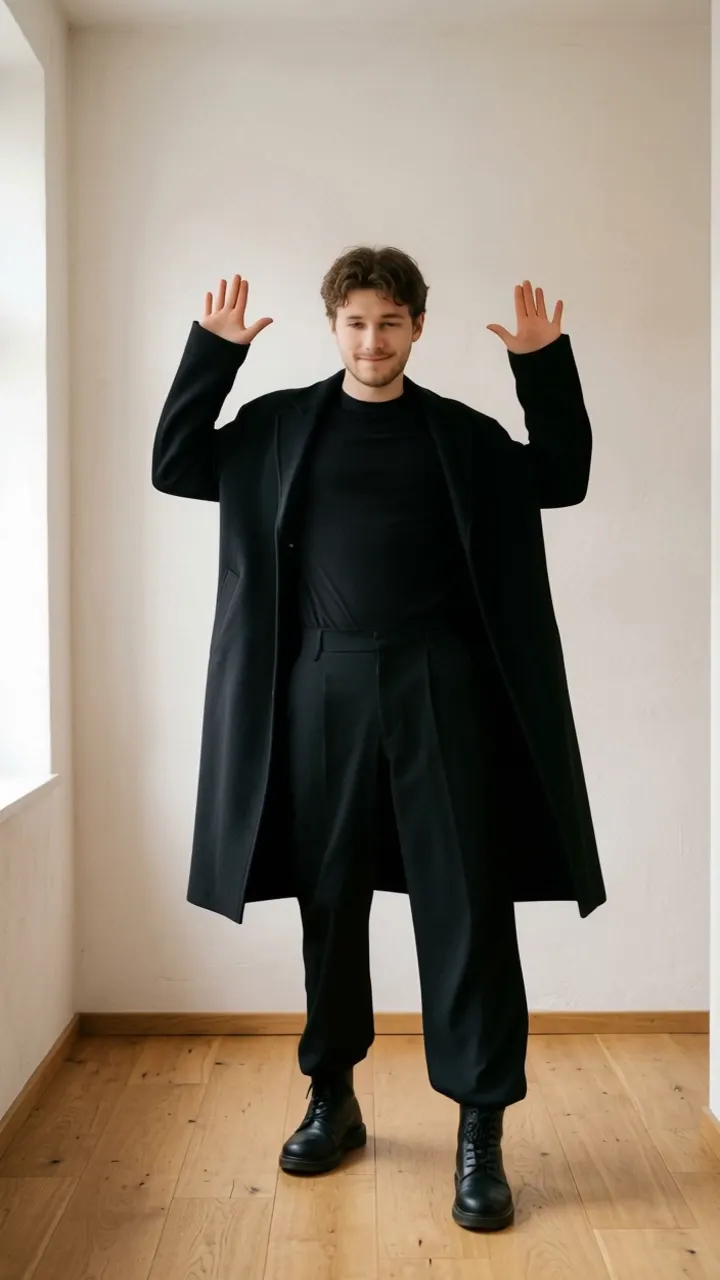
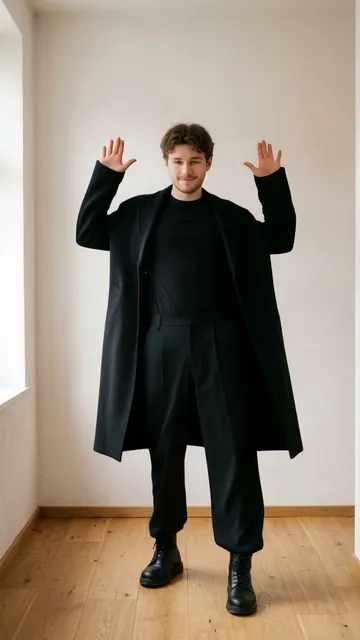
Chanel Edit is the silly version of the Chanel dance, set to Tyla's "Chanel": the dancer hops, the head seems to float off, and the hands juggle it while the body keeps bouncing. Upload one full-body photo of a person and AI Dance makes them do it in a 6-second video, ready in a few minutes.
Chanel Edit key facts
Updated
- Song: "Chanel" by Tyla (October 2025).
- A comedy edit of the Chanel dance with a floating head.
- Video: 6 seconds, 9:16 MP4, made for TikTok, Reels and Shorts.
- Cost: 1 credit per video. A failed video gives its credits back.
- Real examples on this page: adults.
- Ready in a few minutes. Videos have no watermark.
Chanel Edit examples
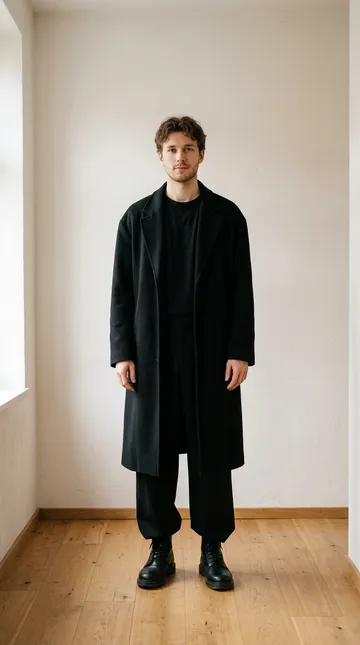
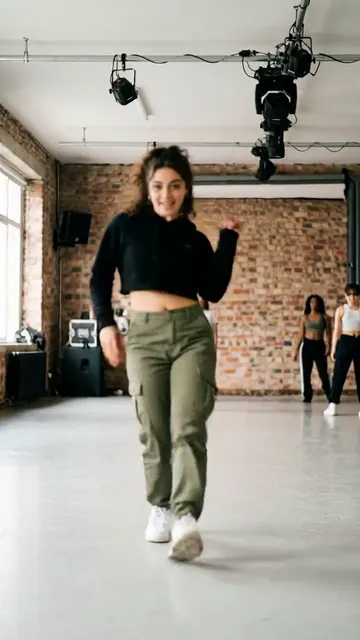
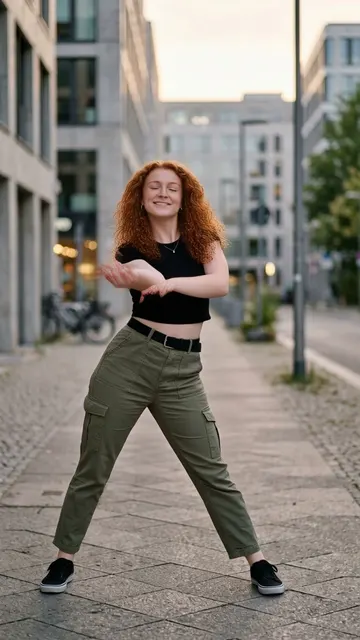
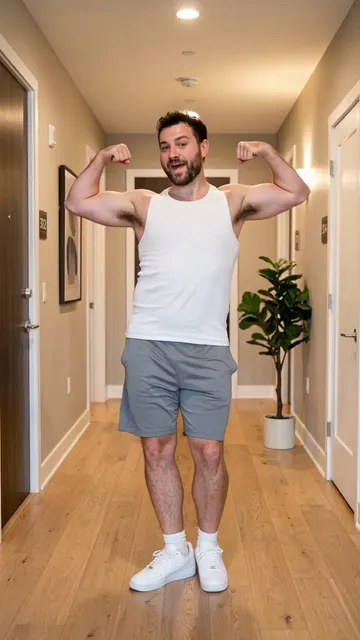
Made with this dance from one photo each (person). The photos are AI-made, and every result differs a little.
- Person
PersonOne photo, then the floating-head Chanel edit.
What is the Chanel Edit trend?
Tyla's "Chanel" came out on October 24, 2025, and its dance reached 2 million TikTok videos in 26 days. A trend that big always gets parodies, and the edit behind this template is one of them: a video effect makes the dancer's head look detached, so the routine turns into a little comedy act where the hands bounce the head around like a ball.
Our template copies that clip. The dancer does a small side hop, raises both hands, shifts the weight from side to side and pretends to juggle the head while it bounces. It is fast and goofy rather than cool, which is the point.
Because the original uses a visual effect, the AI result can look stranger than our other dances. That is part of the joke, but if you want the clean, real dance, use our Chanel by Tyla template instead. Both use the same song.
The moves
A small side hop, both hands up and down, then the weight shifts from side to side while the hands juggle the head as it bounces around. Fast, bouncy and silly.
How to make the Chanel Edit video
Everything runs in your browser. No editing app and nothing to film.
Step 1: Add your photo
Upload one clear photo of you or a friend, facing the camera, as much of the body in the frame as you can.
Step 2: Tap Make my video
The Chanel Edit dance costs 1 credit. The AI copies the moves onto your photo while you wait, about a few minutes.
Step 3: Download and post
You get a 6 second 9:16 MP4. Post it on TikTok, Reels or Shorts and add the sound inside the app.
Best photo for Chanel Edit
The photo decides most of the result. These tips are for this dance.
Works well
- Use a full-body photo, standing, facing the camera.
- A clear face matters most: the head is the star of this edit.
- Keep both hands empty and visible for the juggling.
- A plain background makes the effect easier to follow.
- One person per photo. The AI animates the biggest person in the frame.
Gives weak results
- Group photos, or a second person cut off at the edge
- Faces turned away, covered or in deep shadow
- Blurry or very dark photos
- Heavy filters, stickers or text on the photo
Post it on TikTok, Reels or Shorts
- Your video comes without music. Add Tyla's "Chanel" in TikTok or Reels.
- Post it next to the clean Chanel dance for a before-and-after joke.
- Lean into the comedy in the caption.
Add Chanel by Tyla from the sound library of the app you post to, so your video uses the official track.
Chanel Edit questions
What is the Chanel Edit dance?
A funny version of the Chanel dance where the head seems to float off and the hands juggle it, set to Tyla's song.
Is the Chanel Edit AI dance free?
No, Chanel Edit costs 1 credit per video, but you can earn a free video by inviting friends. Invite 3 friends with your link. When 3 friends join with Google sign-in, you get a free video (1 credit), up to 10 times. Credit packs start at $4.49 for 3 credits, and the weekly plan is $7.99 for 8 credits a week.
How long is the Chanel Edit video, and how long does it take?
The video is about 6 seconds long, in 9:16 MP4 for TikTok, Reels and Shorts. It is ready in a few minutes, and it also appears in My videos, so you can leave the page.
How is it different from the Chanel template?
Chanel by Tyla is the real dance, made for dogs, babies and people. Chanel Edit is the comedy version with the floating-head effect.
Why does my video look strange?
The original clip uses a visual effect, so the AI copies a body that does not move like a normal one. A strange look is part of this edit.
Can my pet do it?
It is made for people. For a dog, use our Chanel by Tyla template, which has a dog example.
Can I add Tyla's song?
No. AI Dance does not add music to your video. Add the "Chanel" sound in TikTok, Instagram Reels or YouTube Shorts when you post, and line up the first beat.
Make your Chanel Edit video
One photo, 1 credit, ready in a few minutes.
More dances like this

People dancesDance trendsHow to make an AI dance video
The Chanel Edit dance is also in the app for iPhone and Android:App StoreGoogle Play